High performance
24/7 technical support
Money-back guarantee
FREE migration assistance
The Linux VPSs offered by Almazena are both scalable in power and stable. Designed to handle high levels of responsiveness, they are the best option for projects that require unlimited future capacity.
Why our Linux VPS?
Our Linux VPS server is rated by our customers with top ratings.
Our proposal for Linux VPS servers offers an uptime SLA of 99.999% in infrastructure, 99.99% in telecommunications, and 99.9% in Cloud servers in general.
High-quality Linux VPS
Our solution is based on Proxmox, with NVMe storage.
Server migration
We help our Linux VPS customers migrate their systems, including prior planning, all at no extra cost.
Premium storage
Our Linux VPS servers feature NVMe storage and have no size limits.
Furthermore, it is not necessary to define fixed storage space sizes. The user can control the allocated space from their panel and modify it according to their needs.
Stable Linux VPSs
Our Linux VPS features cluster load balancing and autoscaling, IPv4 and IPv6 addresses, and a Tier III operated data center with 99.999% infrastructure redundancy.
Technical support included
Technical and telephone support is included in the price of the Linux VPS and is available 24×7.
Monitoring
The Linux VPS monitoring service informs the client in real time about the server's availability.
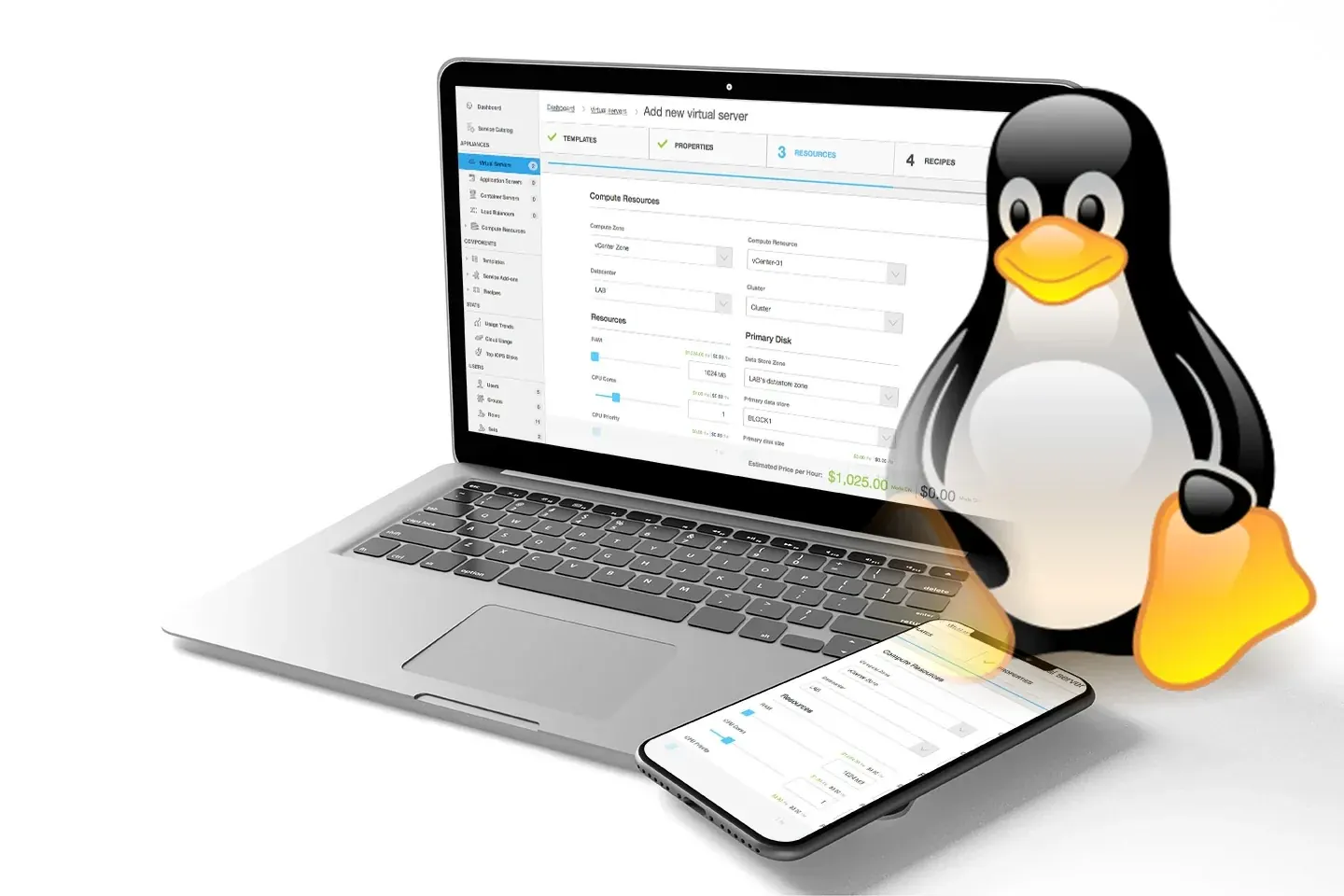
A Linux VPS (Virtual Private Server with a Linux operating system) is a web hosting solution that combines the advantages of a dedicated server with the flexibility of virtualization. By partitioning a physical server into multiple independent virtual servers, each VPS operates with its own Linux instance, giving users complete control over their hosting environment.
What is a Linux VPS?
A Linux VPS is a virtual server that uses the Linux operating system. It offers dedicated resources such as CPU, RAM, and storage, allowing users to install custom software and configure the server to their specific needs.
Benefits of a Linux VPS
-
Full control : Root access to customize and manage the server.
-
Scalability : The ability to adjust resources according to the needs of the project.
-
Security : An isolated environment that protects data and applications.
-
Cost-effectiveness : Lower cost than a dedicated server, with similar performance.
Frequently Asked Questions about Linux VPS
Below are some of the most common questions related to Linux VPSs :
-
What is a Linux VPS?
A Linux VPS is a virtual server that runs on the Linux operating system, offering dedicated resources and full control to the user. -
How does a Linux VPS work?
It works by virtualizing a physical server into multiple independent virtual servers, each with its own instance of Linux. -
What are the advantages of using a Linux VPS?
It offers total control, scalability, security, and cost-effectiveness compared to other hosting solutions. -
Which Linux distributions are compatible with a VPS?
The most common distributions include Ubuntu , CentOS , Debian , and Fedora . -
Is it necessary to have technical knowledge to manage a Linux VPS?
Yes, basic knowledge of system administration and Linux commands is required. -
Can I install any software on my Linux VPS?
Yes, as long as it is compatible with the installed Linux distribution. -
How does a Linux VPS compare to a dedicated server?
A VPS offers dedicated resources in a virtualized environment, while a dedicated server provides full physical resources. -
What types of projects are ideal for a Linux VPS?
High-traffic websites, custom applications, and development environments. -
How can I access my Linux VPS remotely?
Through protocols such as SSH (Secure Shell). -
What security measures should I implement on my Linux VPS?
Regular updates, firewalls, and secure access configurations. -
Is it possible to scale the resources of my Linux VPS?
Yes, most providers allow you to upgrade CPU, RAM, and storage as needed. -
What is the difference between a Linux VPS and shared hosting?
A VPS offers dedicated resources and greater control, while in shared hosting resources are shared among multiple users. -
Can I host multiple websites on a Linux VPS?
Yes, it is possible to configure multiple domains and sites on a single VPS . -
Which control panels are recommended for managing a Linux VPS?
cPanel, Plesk, and Webmin are popular options. -
How do I perform backups on a Linux VPS?
Using backup tools such as rsync or services provided by the provider. -
What is root access on a Linux VPS?
It is the highest level of privileges that allows complete control of the server. -
How can I monitor the performance of my Linux VPS?
Using tools like Nagios, Zabbix, or commands like top and htop. -
What is virtualization in the context of a Linux VPS?
It is the creation of multiple independent virtual environments within a single physical server. -
Can I change the Linux distribution on my VPS after installation?
Yes, but it usually requires reinstalling the operating system, which can involve data loss. -
What is a firewall and how can I configure it on my Linux VPS?
A firewall is a security tool that controls network traffic; on Linux, it can be configured with iptables or firewalld. -
How can I protect my Linux VPS against brute-force attacks?
Implementing measures such as fail2ban and using strong passwords. -
What is LAMP and how does it relate to a Linux VPS?
LAMP is a software package (Linux, Apache, MySQL, PHP) commonly installed on Linux VPS to host dynamic websites. -
Is it possible to migrate my website from shared hosting to a Linux VPS?
Yes, migration is possible. -
What is a VPS and how does it work?
A VPS (Virtual Private Server) is a virtual partition within a physical server that acts as a standalone server. It uses virtualization technology to provide dedicated resources and an isolated environment for each user. -
What is the difference between a VPS and a dedicated server?
A dedicated server is a complete physical machine reserved for a single user, while a VPS is a virtual portion of a physical server shared among several users, but with dedicated resources and guaranteed isolation. -
What is a managed and unmanaged VPS?
A managed VPS includes support and maintenance services from the provider, whereas in an unmanaged VPS , the user is responsible for server configuration and management. -
How can I secure my Linux VPS against security threats?
Implementing measures such as configuring firewalls, regular system updates, using strong passwords, and installing intrusion detection software. -
What is KVM virtualization on Linux VPS?
KVM (Kernel-based Virtual Machine) is a virtualization technology that allows a VPS to function as a complete virtual machine with its own operating system, offering performance close to that of a dedicated server. -
Can I change the plan or resources on my Linux VPS?
Yes, most providers allow you to scale your VPS resources according to your project's needs, either by increasing or decreasing capacities such as CPU, RAM, and storage. -
What is a VPS and what is it used for?
A VPS is a virtual private server that provides an isolated environment with dedicated resources, used to host websites, applications, databases, and other services that require full server control.